Maker source notesGuide updated
Replica image 21b: first boot and SSH checks
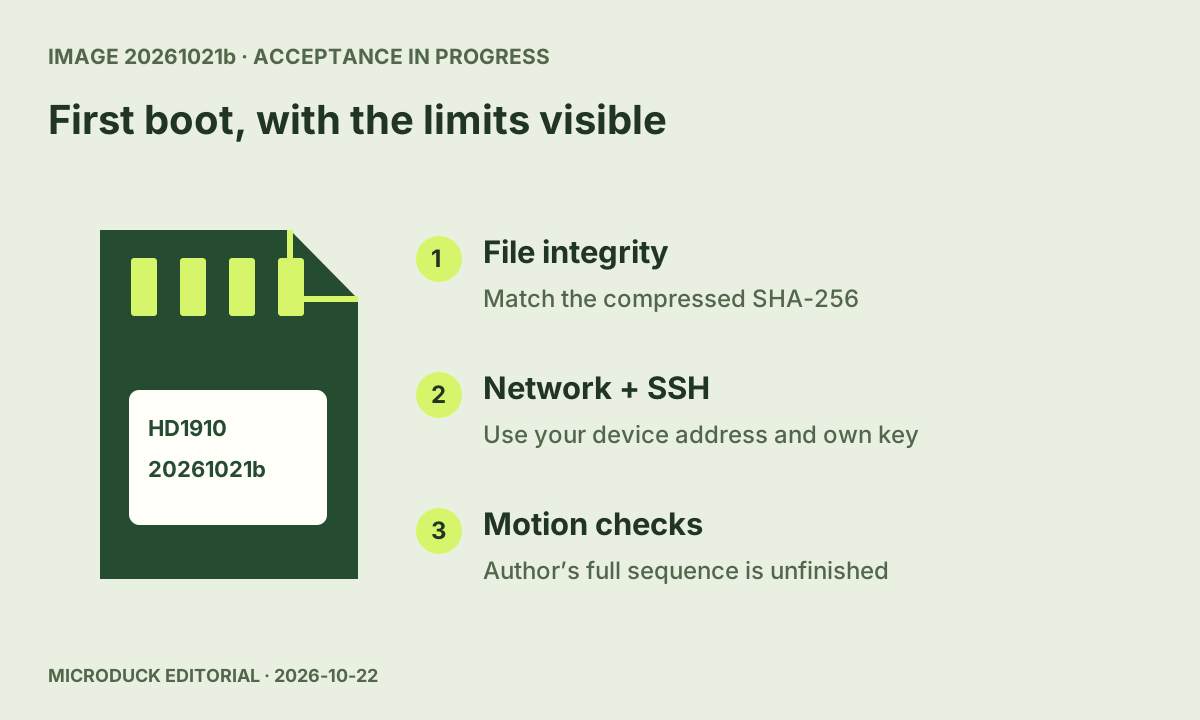
The author fixes fresh-card startup and adds your own SSH key. Full motion acceptance remains unfinished, even though GitHub’s prerelease flag is false.
Source reviewed
Follow software changes, compare DIY routes and find instructions with original sources and clear verification limits.
The author fixes fresh-card startup and adds your own SSH key. Full motion acceptance remains unfinished, even though GitHub’s prerelease flag is false.
Source reviewed
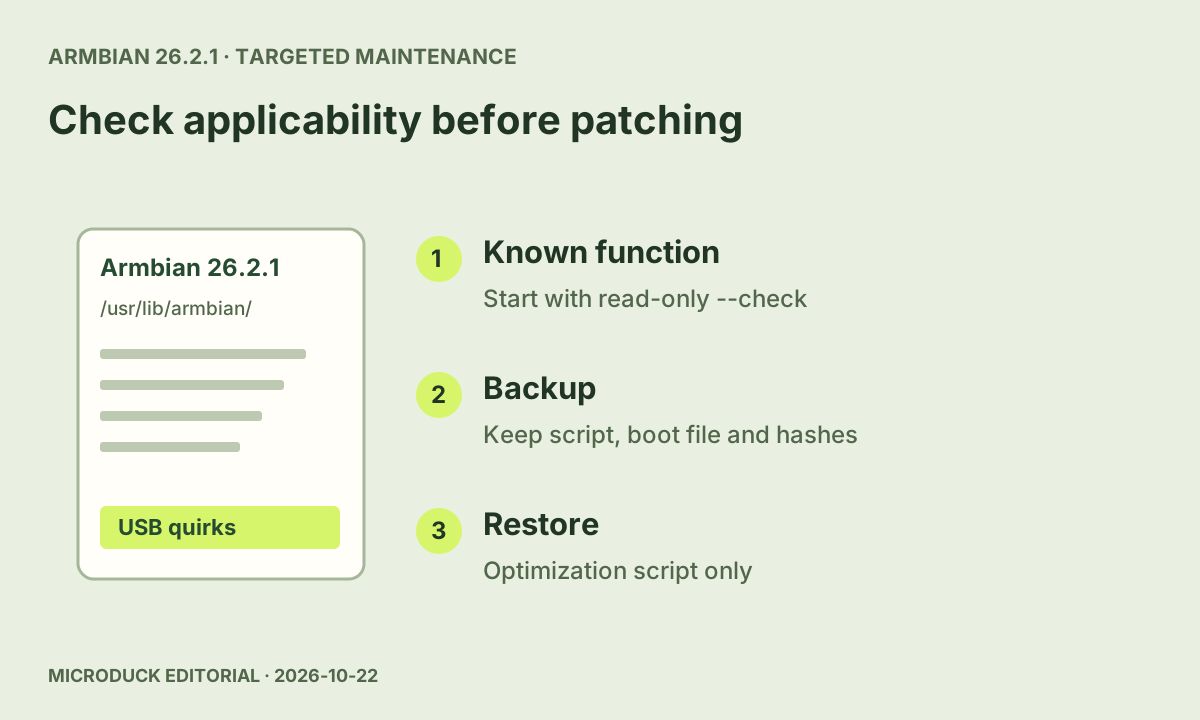
KISS adds a targeted Armbian check and guarded backup/restore. Keep it separate from image replacement, Wi-Fi interference and power-load diagnosis.
Source reviewed
Review 0.17.7/8 source notes, the computer-audio path and what to check when an update or first connection behaves differently.
Source reviewed
Substantive guide updates first, including new steps added to older articles.
Understand the October 17 updater fixes, diagnose metadata-size errors and inspect an exact-version dry run before a deliberate daemon upgrade.
Follow an eight-stage Open Duck Mini v2 build route covering parts, printing, servo IDs, assembly, wiring, Raspberry Pi setup, calibration and first walk.
Use a filled six-component Open Duck Mini v2 parts plan, author-listed EUR prices, printing quantities and a checklist for the remaining costs.
Walk in the official MicroDuck browser simulator, load a public policy by URL, check manifest compatibility and restore the built-in move.
Upgrade from 0.17.2 with the October 15 stable releases; inspect the local vet book, claim separate UDP pads and rediscover Beta boards safely.
Current keys, a short exercise and loading help.
Open the guide →A pinned setup, CUDA check and small first run.
Open the guide →Controller input, loading, dependencies, GPU discovery and policy errors.
Open the guide →Choose where UDP pad sounds play, diagnose an older robot or missing laptop audio, and understand the provisioning retry fix carried from 0.17.7.
Understand the October 17 updater fixes, diagnose metadata-size errors and inspect an exact-version dry run before a deliberate daemon upgrade.
English guides, a Chinese course and personal notes.
02 / DIY READINGFrom parts and servo IDs to calibration and first walk.
03 / DIY READINGSee the files, printed parts and remaining work.
04 / DIY READINGSave the revision, measurements and results.
Prepare the official MicroDuck RL environment with a pinned revision, Python 3.12, a CUDA check and a short training run before a longer experiment.
Export a MicroDuck checkpoint with observation normalization, select the correct playback input layout and inspect a policy package before sharing.
On an official MicroDuck, use duckctl from a laptop to distinguish Bluetooth discovery, missing Wi-Fi address and console signalling before changing settings.
Run the real MicroDuck daemons against a MuJoCo body, inspect health and motion with robotctl, measure real-time speed, and understand what this setup cannot test.
Check the official v8 velstand policy, update the separate policy set, identify persistent walk overrides, and reset one slot safely.
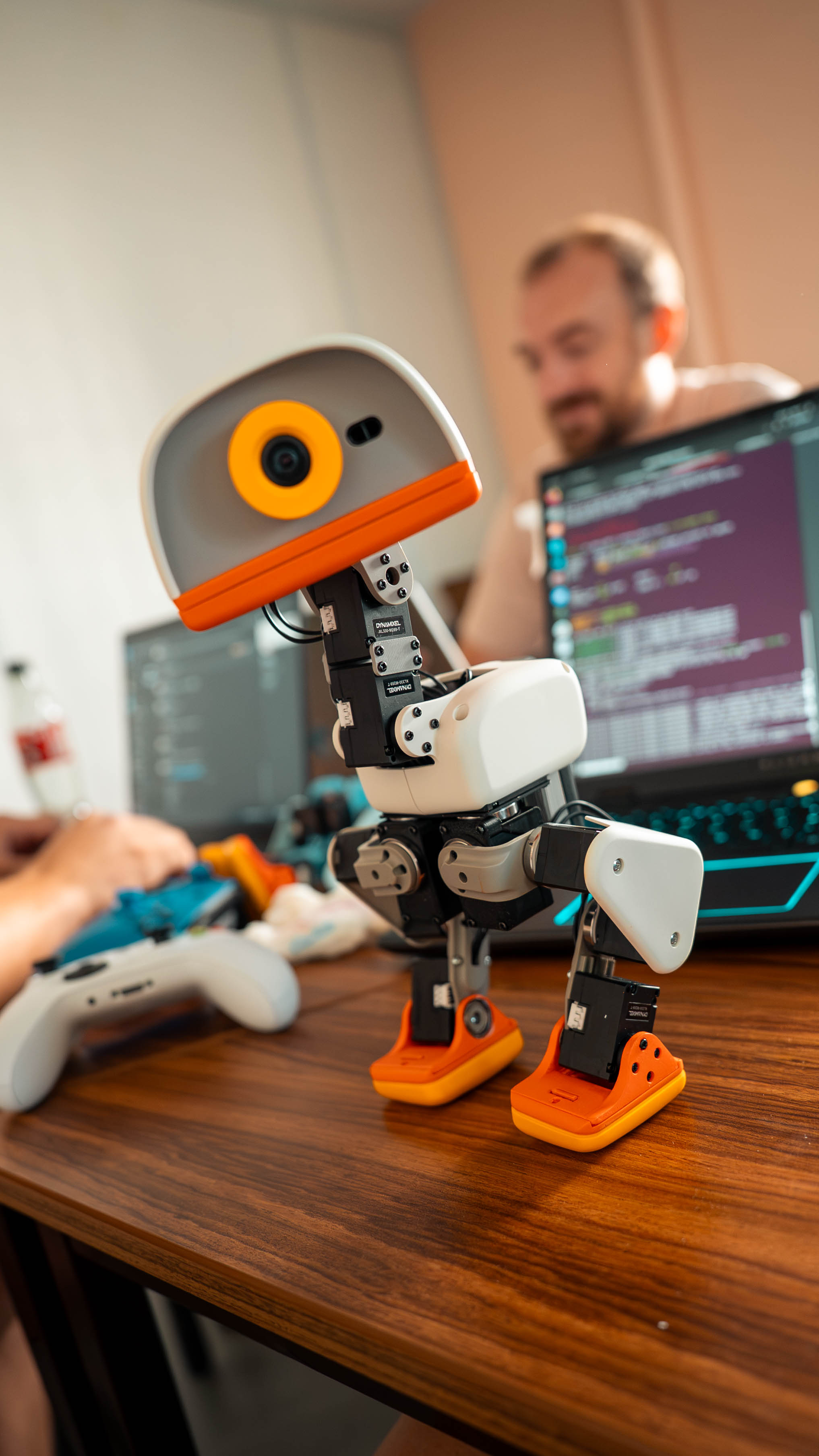
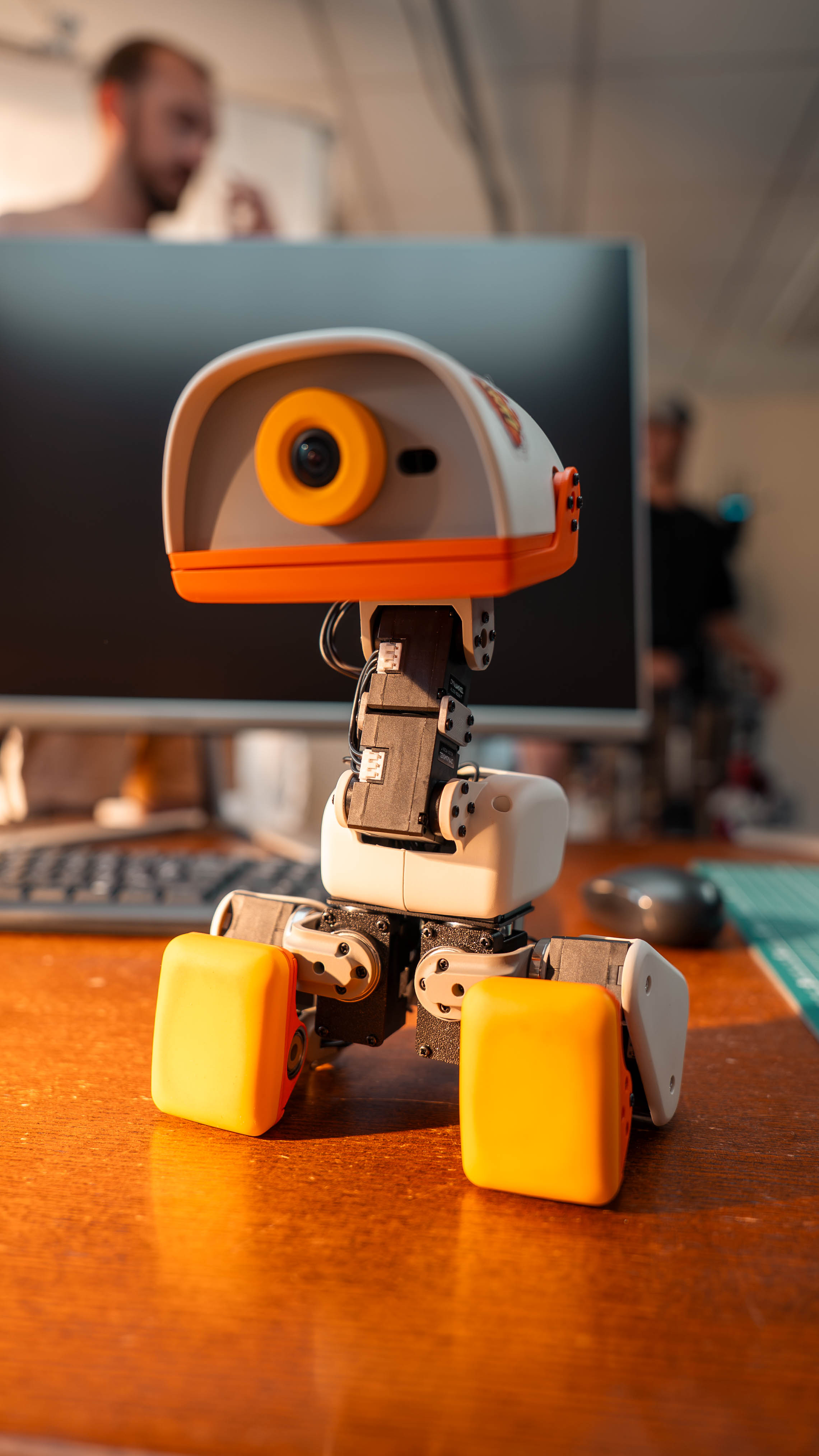
MicroDuck is a small biped robot introduced by Pollen Robotics for exploring learned body movements. The official project links its robot software, reinforcement learning framework and browser simulator.
Official MicroDuck introduction →MicroDuck Robot Community is an independent technical publication and maker community. It is not affiliated with Pollen Robotics, Hugging Face or emwstudio.
About this community →Begin with the official browser simulator to explore existing movements. Training new movements is a separate activity with its own software and compute requirements.
MicroDuck simulator guide →The DuckEMW results discussed here are author-reported simulation experiments. They are not measurements of physical robot performance verified by this site.
DuckEMW project and source record →A hand pushes the physical MicroDuck; the robot takes corrective steps to regain its balance.
Video: Pollen Robotics ↗A physical MicroDuck with roller attachments travels around a living room.
Video: Pollen Robotics ↗Official docs, source code, community projects and practical tools.